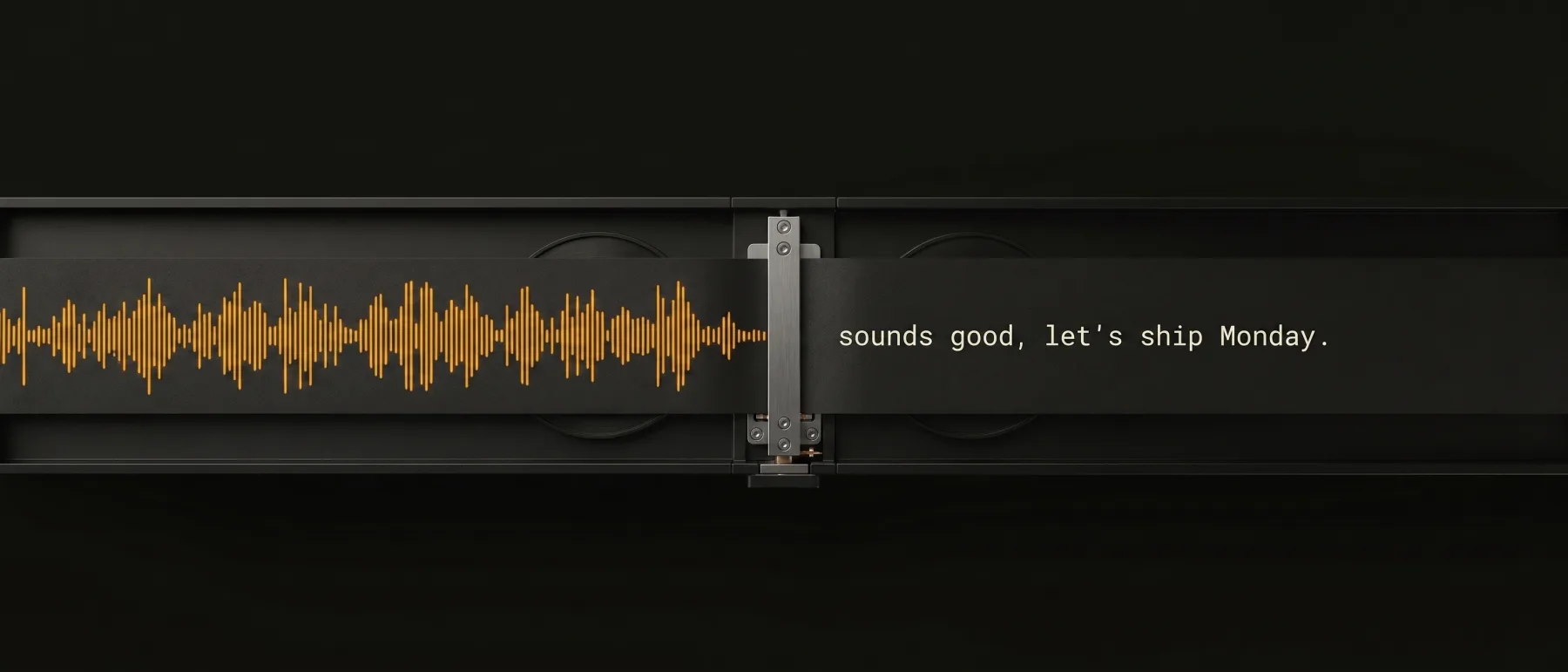
Press. Speak. It’s typed.
on-device by default · your words stay on your machine with local engines
The instrument
One hotkey. Any app.
Hold a key, say the thing, let go. Clean, punctuated text lands wherever your cursor is — your editor, your email, your chat. No window to switch to, no paste step.
Reply to Sam — sounds good, let’s ship Monday.
Privacy
Read the meter, not the marketing.
Many dictation tools transcribe in the cloud by default. WhisperJot runs its speech models on your machine by default — the illustration below shows a local dictation session with optional network features switched off.
outbound requests during dictation — local engines
no audio upload with local engines; optional sync, usage stats and crash reports have their own switches
Why voice
≈3×
speech entry ≈153 wpm vs typing ≈52 wpm in a Stanford/Baidu touchscreen-phone study
Stanford/Baidu study; typical typing ≈52 wpm across 168,000 people. These are study results, not a WhisperJot benchmark.
Specification
The datasheet.
Speak into any app. Hold a key, talk, and the words land where your cursor is — email, docs, code, chat. No window switching, no copy-paste.
Private without thinking about it. Transcription runs on your machine by default — dictate on a plane, off Wi-Fi, with no audio upload for local transcription. Jot Cloud, our optional cloud engine, is opt-in, runs only while selected, and audio is never stored on our servers.
Cleaned up as you speak — review before you send. Cleanup helps with filler words, punctuation, names and jargon. Optional LLM polish that never leaves 127.0.0.1.
Walk out with notes already written. Live transcription from your microphone while you talk, exportable the moment the meeting ends.
Find anything you ever said. Every dictation searchable, stored locally on your machine. Encrypted sync if you want your history on two machines — or never touch it.
Buy once, dictate everywhere. macOS, Windows, and Linux on one license. Native on Apple Silicon.
Before you decide
Quick answers.
Does my audio ever leave my computer?
Not unless you tell it to. By default transcription runs on your machine using local models, and the optional LLM text cleanup talks only to 127.0.0.1 — turning your Wi-Fi off does not stop local dictation from working. Jot Cloud, our optional cloud engine, is opt-in and runs only while selected; audio is sent for transcription and never stored on our servers. Optional Identify Speakers uploads retained meeting audio for speaker labels, and audio imports can upload files for cloud processing when you choose that workflow.
Why would I use the cloud engine?
To keep your computer light. The local engines download a speech model (Jot Local is about 500 MB on Mac, around 600 MB on Windows and Linux) and use your machine’s memory while you dictate. Jot Cloud, our optional cloud engine, is opt-in and runs only while selected. It skips all of that — no model download, no RAM pressure — and transcribes fast on any hardware. The tradeoff, stated plainly: your dictation audio is sent to whisperjot.com, transcribed, and never stored there. Switch between the two anytime.
Is there a free trial?
Not yet. WhisperJot keeps billing simple: no meters, cancel anytime, and your plan stays active for the full period you paid for. The browser demo shows exactly what the app does.
Can I cancel anytime?
Yes, self-serve — open your account and manage billing through the Stripe portal. Cancelling stops the renewal; you keep access until the end of the period you already paid for.
What platforms are supported?
macOS 14+ on Apple Silicon is the stable, reference platform. Windows is stable and ships alongside macOS; Linux builds are in beta. All are included in the same plan. Not sure your machine can run it? Check the system requirements.
Resources: Help center · FAQ · Glossary · How-to guides · Best-of guides · Head-to-head comparisons